Templates
Paper packaging mockups
Use paper models to compare proportions, opening sequences and assembly before choosing a final construction.
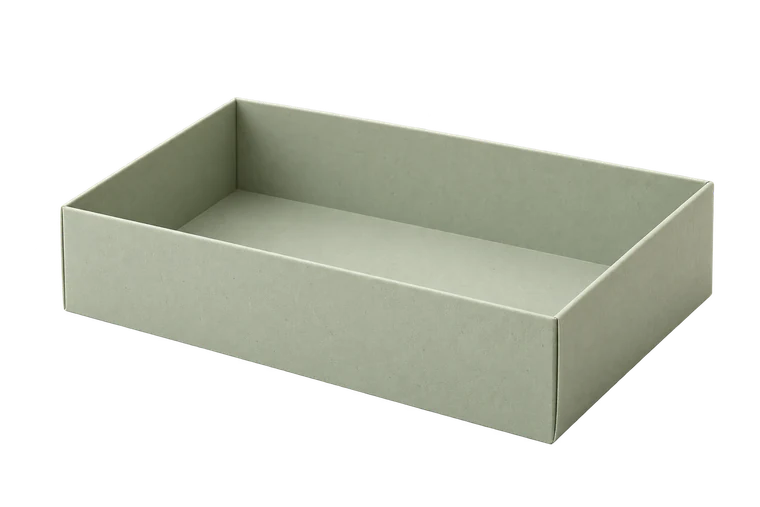
Open tray
An open top, four walls and simple corner tabs.
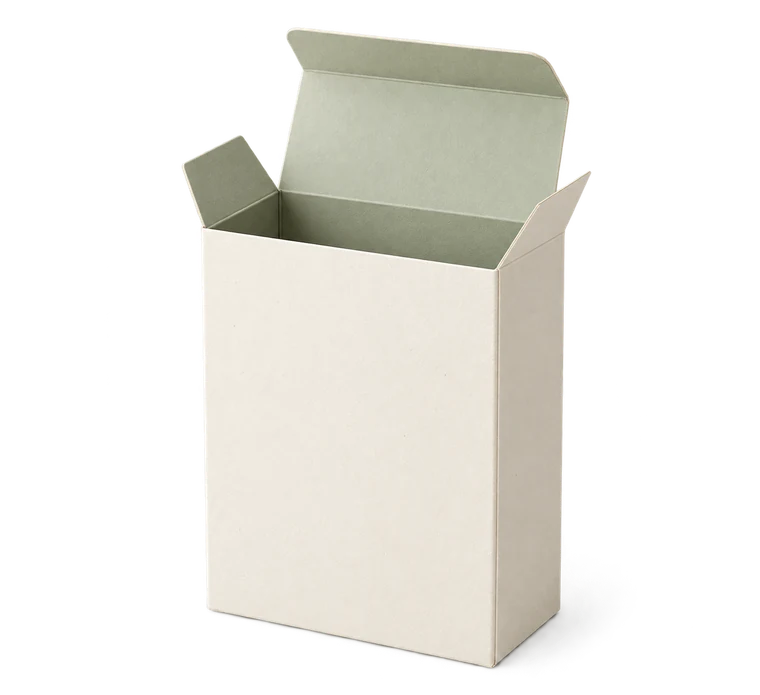
Tuck box
A one-piece carton with tuck-in closures.
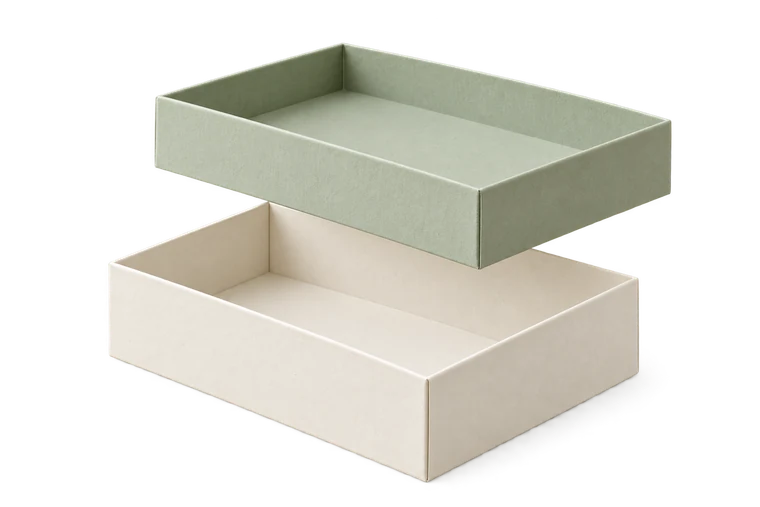
Two-piece box
A separate base and lid with adjustable clearance.
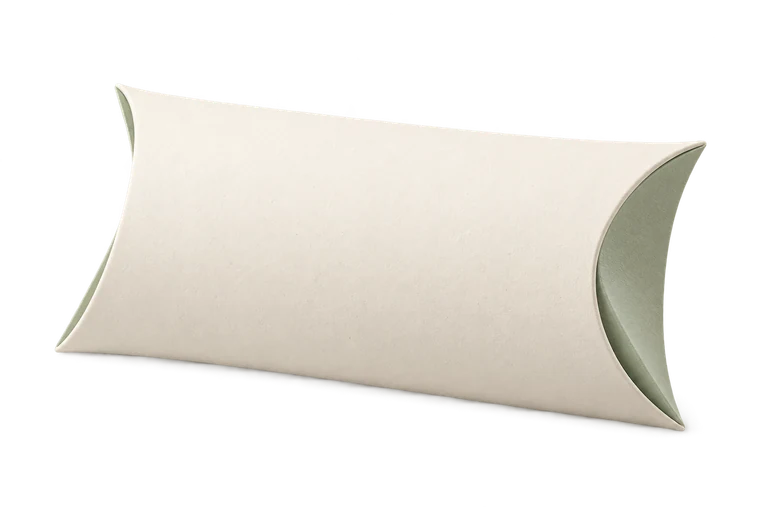
Pillow box
A curved package for small, forgiving shapes.
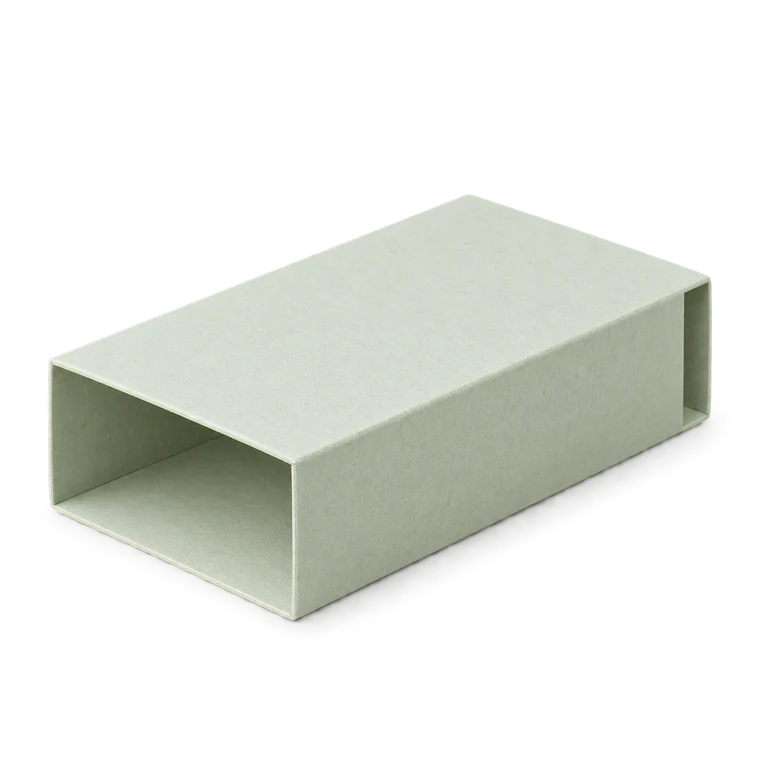
Sleeve
An open-ended wrap for a measured object.
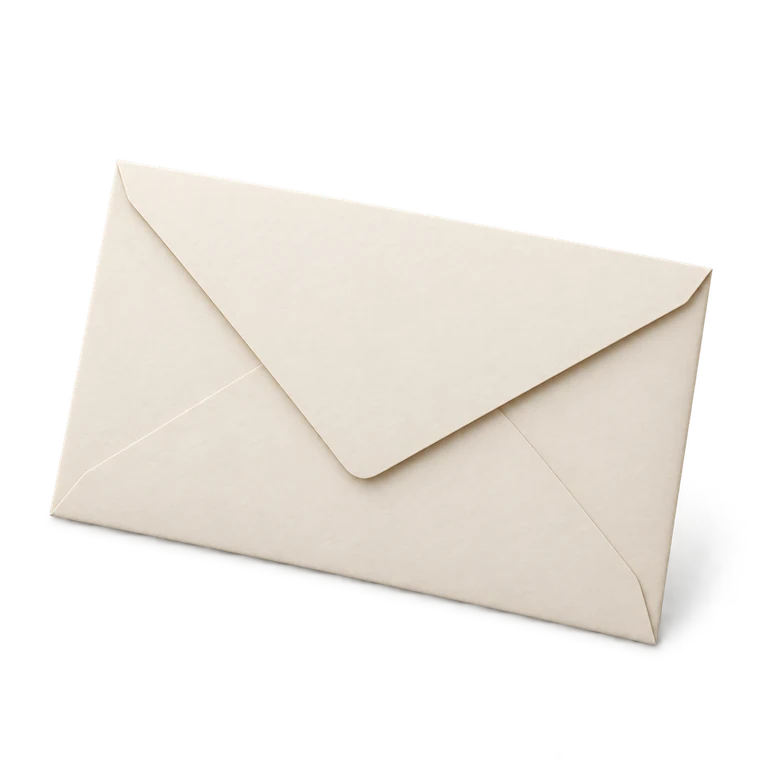
Envelope
A flat pocket and flap for cards and notes.
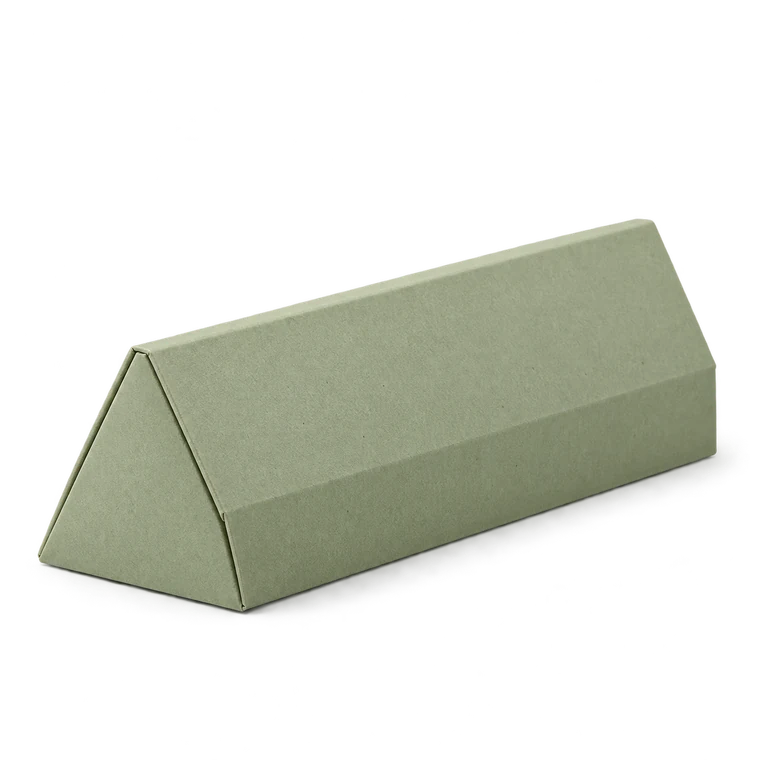
Triangular prism
Three side panels around an equilateral triangle.
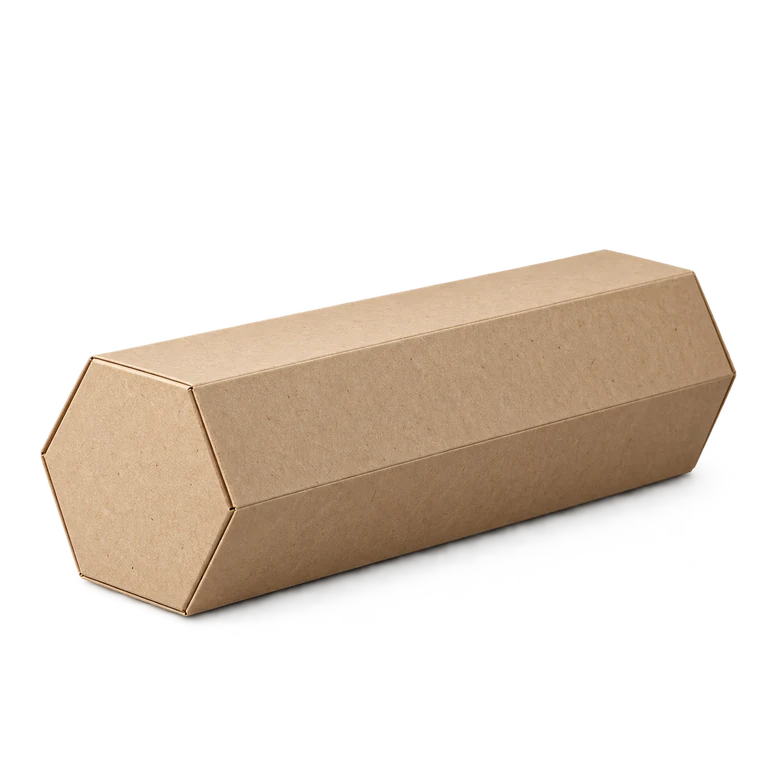
Hexagonal prism
Six side panels around a regular hexagon.
Give each mockup one question
A prototype is useful when you know what it is meant to reveal. You might compare a lid with a tuck closure, inspect how a seam appears on the front, or check whether the object can be removed comfortably. Keep object dimensions fixed when comparing constructions.
Do not treat the prototype as proof of production performance. Paper grade, coatings, adhesives and manufacturing processes can change the result substantially.
Make controlled versions
Save the starting design, then duplicate it before changing a material or allowance. Name versions for the property being tested, such as lid clearance 0.50 or sleeve length 100. A JSON backup preserves those inputs and makes the comparison repeatable.
Mark the front and opening on the first plain model. If you later add artwork in an SVG editor, keep the physical page size and separate cut and fold lines from decorative graphics.
Retain the limits with the dimensions
Record the measured object, dimension mode, stock thickness, print scale and observations from the fold. A mockup can show a problem without establishing a universal correction. Do not pass a resized screenshot as a production dieline; use the actual exported file and independently check its physical dimensions.