Guide
Join a tiled paper template
Turn numbered printed sheets into one aligned paper template before cutting the outer contour.
Reviewed October 27, 2026
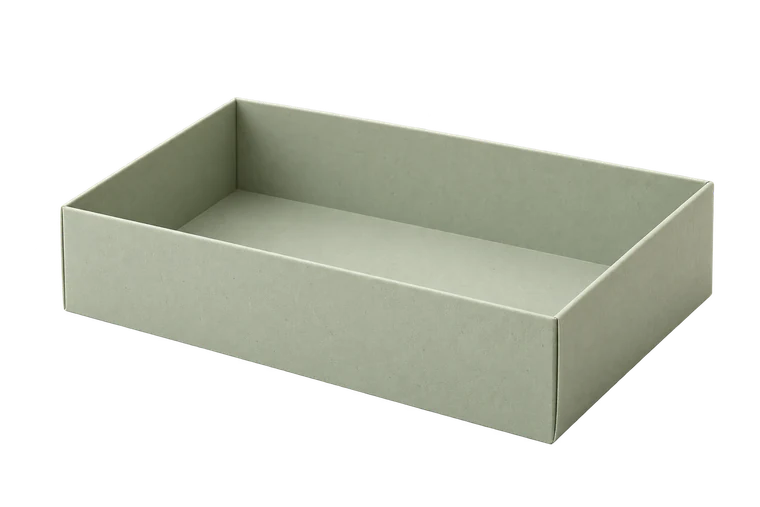
Open tray
Page layout
A4 · 210 × 297 mm2 pagesActual size · 100%
Template 300 × 220 mm
Small grey targets align neighbouring sheets. They may appear inside the template; do not cut along them.
100 mm calibration ruler
Measure the printed 100 mm ruler before cutting.
Measure the printed line, not the screen.
Check the sheets as a set
Use the same paper format, orientation and 100% scaling for every page. Lay out the page numbers in their stated order and check the calibration ruler. A later sheet printed with Fit will not meet the earlier one even if the page edges line up.
Keep the entire printed overlap and its registration marks until you understand which edge will be trimmed. Page margins and duplicated artwork are not the same measurement.
Join the printed coordinates
In the two-page A4 tray example, the drawing window is 190 mm wide and the step between pages is 180 mm. This repeats a 10 mm strip of artwork. The outer paper margin is separate, so raw sheet edges may overlap by more than 10 mm before trimming.
Trim the indicated margin on one sheet without cutting through necessary registration marks. Place it over the neighbouring sheet and align both registration crosses and any line that continues across the join. Use light from behind if the paper makes alignment hard to see.
Small grey targets align neighbouring sheets. They may appear inside the template; do not cut along them.
Fix the join without moving it
Hold the alignment in place and apply a small tape piece away from a crease or cut line. Recheck the lower mark before adding more tape. Work across a row and then between rows for larger layouts.
Inspect the continuous outer contour after joining. A step, gap or duplicated fold line indicates a bad join or scale difference. Repair that before cutting; do not redraw the shape by eye to hide the mismatch.
Sources and methods
Ready to make something?
Set the dimensions. Check the folds. Make a small test box.