Guide
Check the calibration ruler
Measure the printed reference before cutting or judging the fit of a folded object.
Reviewed October 27, 2026
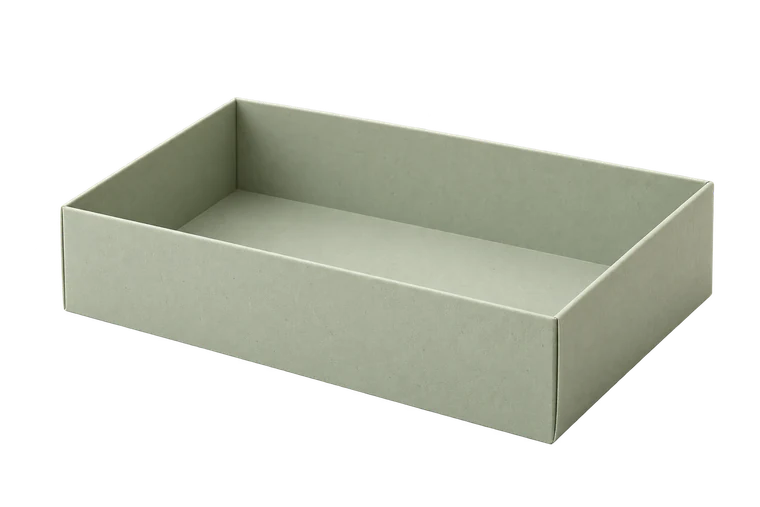
Open tray
Page layout
A4 · 210 × 297 mm2 pagesActual size · 100%
Template 300 × 220 mm
Small grey targets align neighbouring sheets. They may appear inside the template; do not cut along them.
100 mm calibration ruler
Measure the printed 100 mm ruler before cutting.
Measure the printed line, not the screen.
Use a physical ruler
Locate the line labelled 100 mm in the printed page footer. Measure between its defined endpoints, not across the label or outer tick decorations. Use a physical ruler on the paper; a screen image changes with display scaling and zoom.
Check at least the first sheet of a single-page print and confirm the same settings for every tiled page. If you suspect distortion, measure a perpendicular known distance as well.
Read a mismatch as a print-setting clue
A printed 95 mm reference instead of 100 mm indicates a five-percent reduction. Review Fit, Shrink, page format and the print application's scaling settings. Do not compensate by entering larger box dimensions in the generator; that mixes the measurement model with a printer error.
If the line is the correct length but the outer marks are clipped, the scale may be right while the selected margins exceed your printer's printable area. Re-export with suitable margins.
Recheck the actual output path
Printing from an image preview, importing a PDF into another application or converting an SVG can introduce another scaling step. Check the file you intend to use, through the same application and printer settings as the final copy.
After correction, print the ruler again before joining tiled pages. Keep a note of the successful settings, but do not assume they survive every software or printer change. Calibration is a practical check, not a promise of unlimited dimensional precision.
Sources and methods
Ready to make something?
Set the dimensions. Check the folds. Make a small test box.