NOTES FROM THE WORKBENCH
Plan which face becomes the front
Trace the panel order on a plain model before placing artwork on the flat template.
Reviewed October 27, 2026
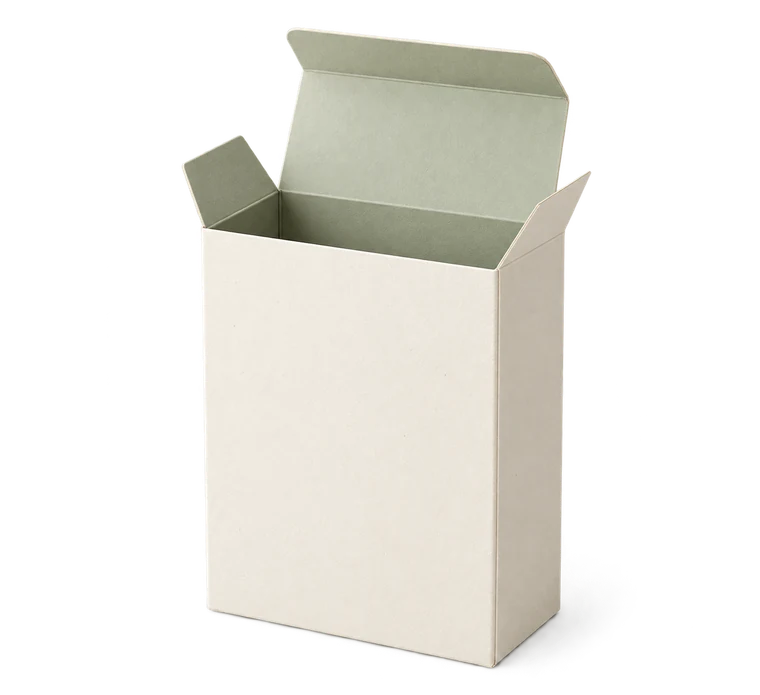
Start with an undecorated trial
Print a small plain version and mark the panels lightly with pencil. Choose the intended front, top and opening direction. Fold the object once and check where those labels end up.
This simple step catches a common planning mistake: a panel that looks central in the net may become a side after the strip wraps around. A closing flap can also cover part of the face you expected to show.
Follow the construction
On a tuck box, identify the four wall panels and the side seam. The two main end closures attach at opposite ends on opposite broad faces. Open and close the sample to see which portions remain visible.
A sleeve has two open ends and a seam whose position matters independently of the front label. A two-piece box has two parts; artwork that spans their join needs a deliberate plan for how the lid sits over the base.
Keep technical layers distinct
If you open the SVG in an illustration editor, preserve its physical dimensions and keep cut, fold and glue information separate from decorative content. Do not drag the entire template to a new apparent size merely to fit it on the editing screen.
Leave registration and calibration features readable in any printable layout you create. Decorating a paper model does not turn a screenshot into a dimensionally reliable production file.
Make a decorated proof
Print one proof at actual size, check the ruler and fold it in the same sequence as the plain trial. Inspect orientation when the object is both open and closed. A label can look correct on a closed lid yet be upside down when someone opens it.
Save the project and artwork version together in your own records. FoldParcel keeps the geometric parameters; any external artwork edits need their own file and a fresh physical-size check.
Ready to make something?
Set the dimensions. Check the folds. Make a small test box.