NOTES FROM THE WORKBENCH
Where should a sleeve seam sit?
A seam can be visually quiet and still affect the inside of the sleeve. Plan both its appearance and its overlap.
Reviewed October 27, 2026
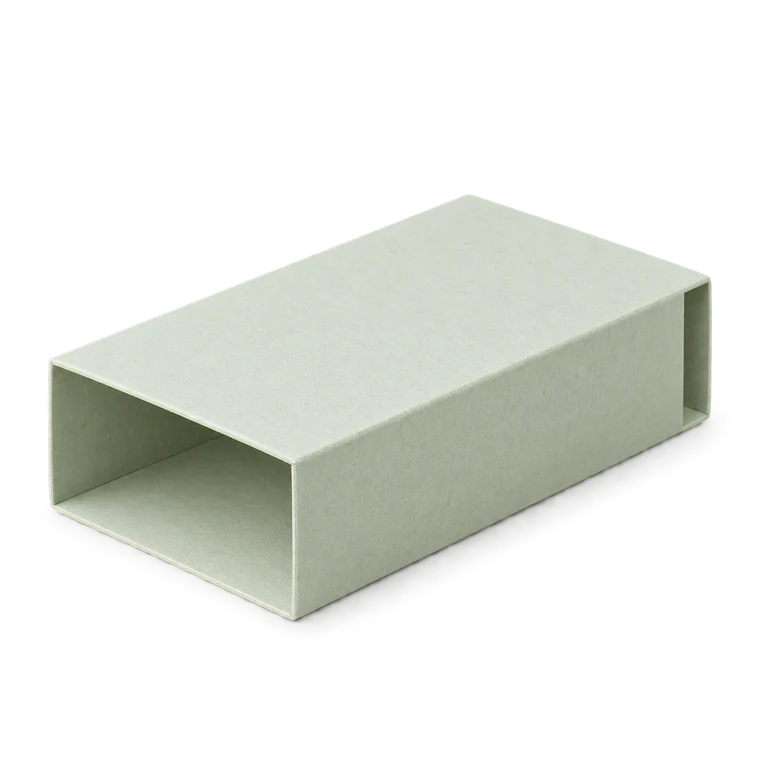
Mark a front on the dry wrap
Cut a plain strip or print a trial net and wrap it around the object without adhesive. Mark the face you want to present, then follow the four-panel sequence to the seam. This is more reliable than guessing from the flat rectangle alone.
A front label that sits neatly in the editor can end up next to the seam after folding. Mark top and insertion direction on the trial too, especially for a notebook or an asymmetric object.
Consider where the extra layer goes
The seam tab adds a local second layer of paper. Even when the join lies on the underside, that overlap can catch a cover corner or make one side of the opening tighter. Keep the adhesive within the tab and avoid a raised edge facing the insertion path.
Do not move a fold or trim a tab arbitrarily without recording the change. The generator's panel and glue relationships should stay clear enough to recreate the same project.
Keep the overlap parallel
Pre-fold the band and compare its opening at both ends before bonding it. If one edge overlaps more than the other, the sleeve becomes tapered or twisted. Hold the seam along its full length while it settles.
The 100 mm sleeve example is long enough for a small diagonal drift to be visible. That is an assembly observation to check, not a numerical tolerance guaranteed by the tool.
Decorate after proving the orientation
Once the plain trial fits and slides well, transfer the front-face plan to your artwork. Keep cut and fold layers separate from decoration in an external editor, and confirm that importing the SVG has not changed physical size.
If the seam still distracts from the front, reconsider the intended orientation or use a different structure. Hiding a join does not justify an unverified structural change that makes the object difficult to remove.
Ready to make something?
Set the dimensions. Check the folds. Make a small test box.